The front desk,on every guest's phone.
Guests scan the code in their room to order food or ask for anything. Your team sees it at once.
From the sticker to the front desk.
Try it: scan this one with your phone. It opens the live demo.
Open the live demo(opens in a new tab)Try it: scan this one with your phone. It opens the live demo.
Open the live demo(opens in a new tab)The guest scans the sticker.
Every room has its own QR code. It opens the hotel's page in the phone's browser, with nothing to install and no account. A first name and a surname are enough.
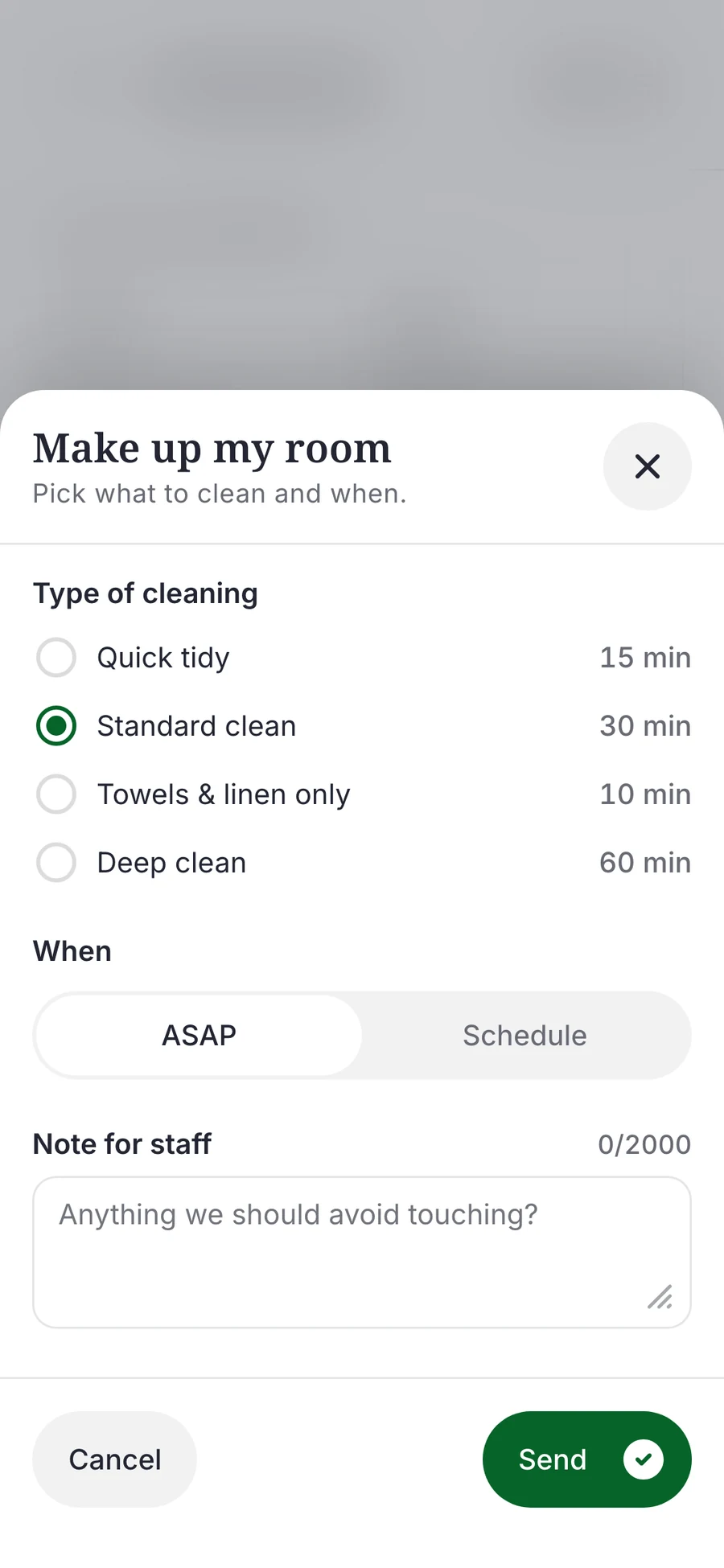
They order or ask.
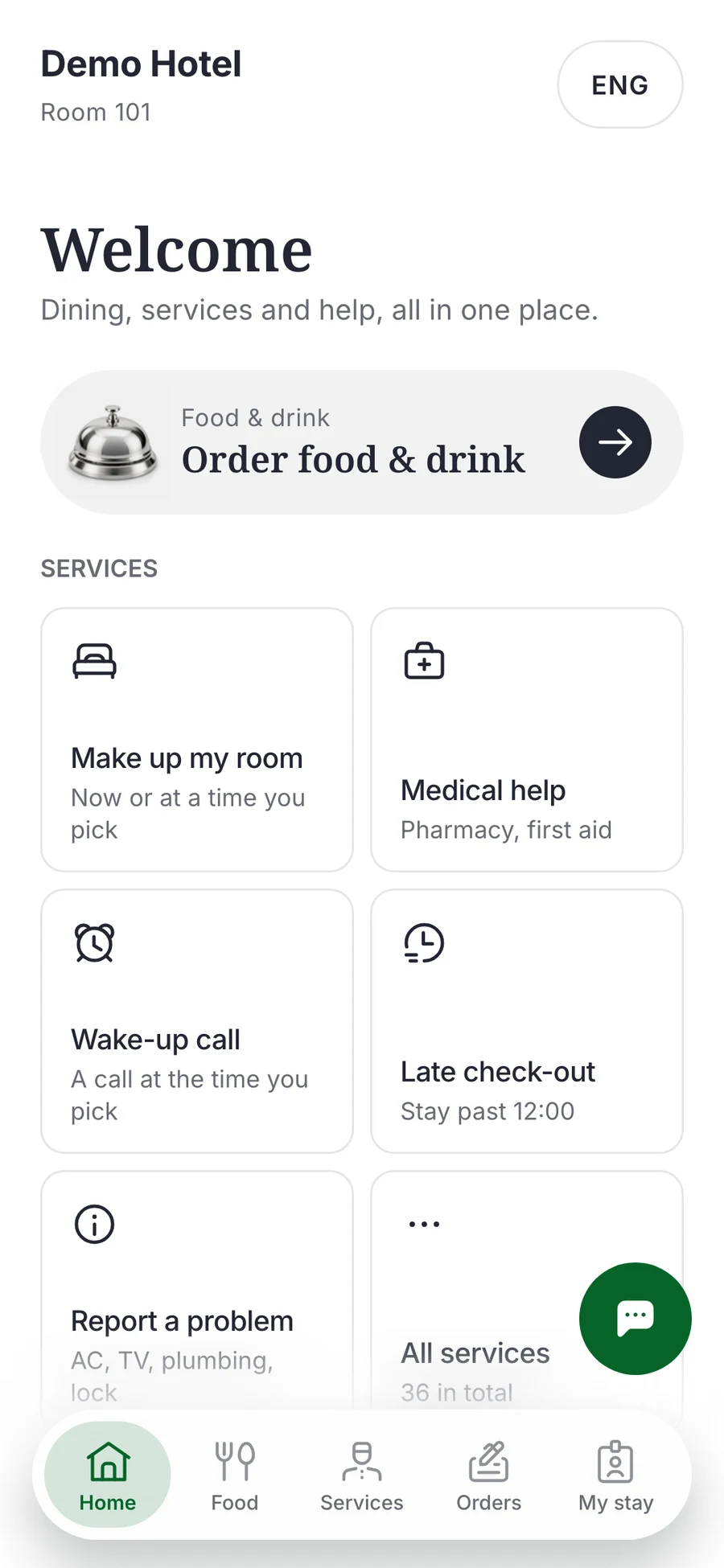
Food from your menu, towels, a wake-up call, a taxi. In Georgian, English or Russian, with prices in lari.
Make up my room
Room 101
Pending- Pending
- Accepted
- On the way
- Done
Your front desk answers.
The request appears on reception's screen at once. Reception checks the guest's name, then takes the request or hands it to the right team. The guest sees every step.
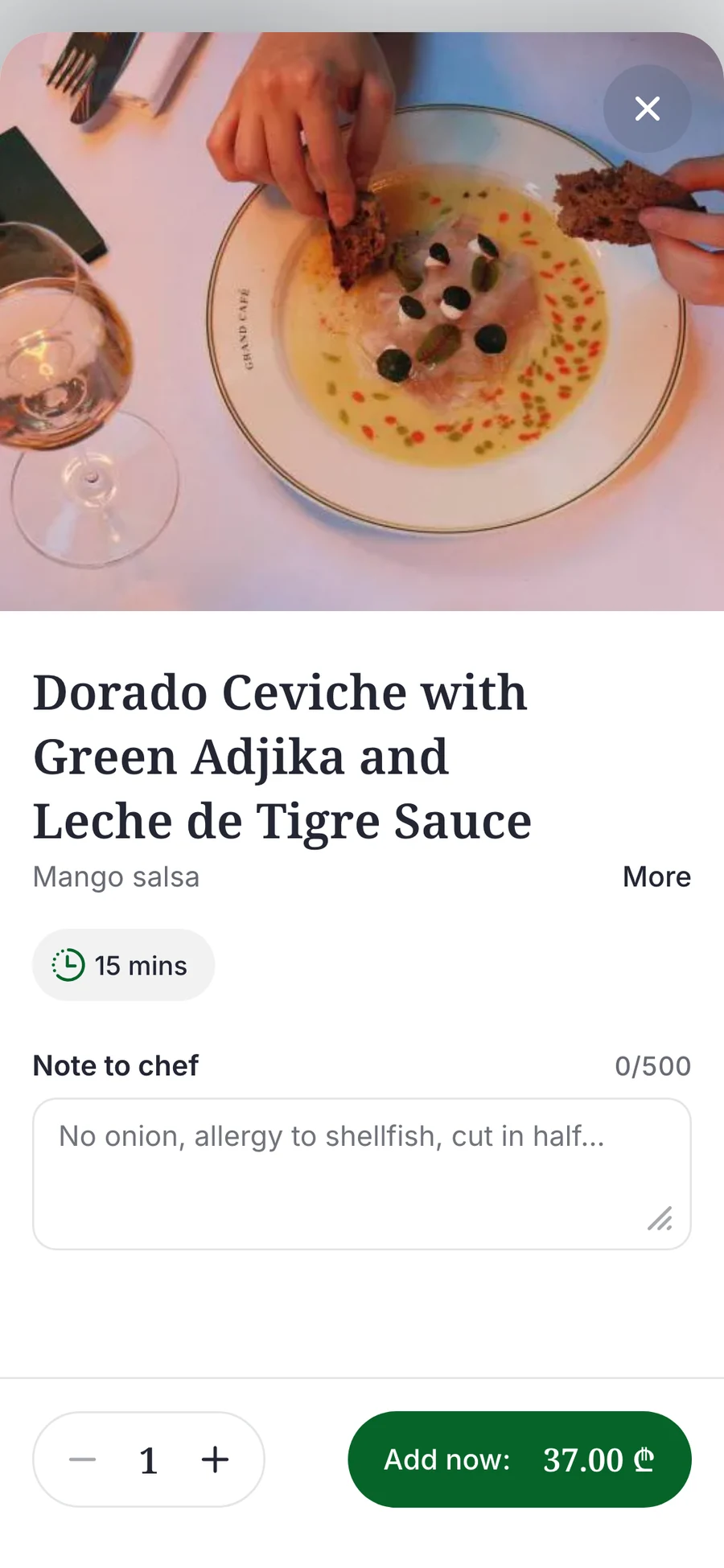
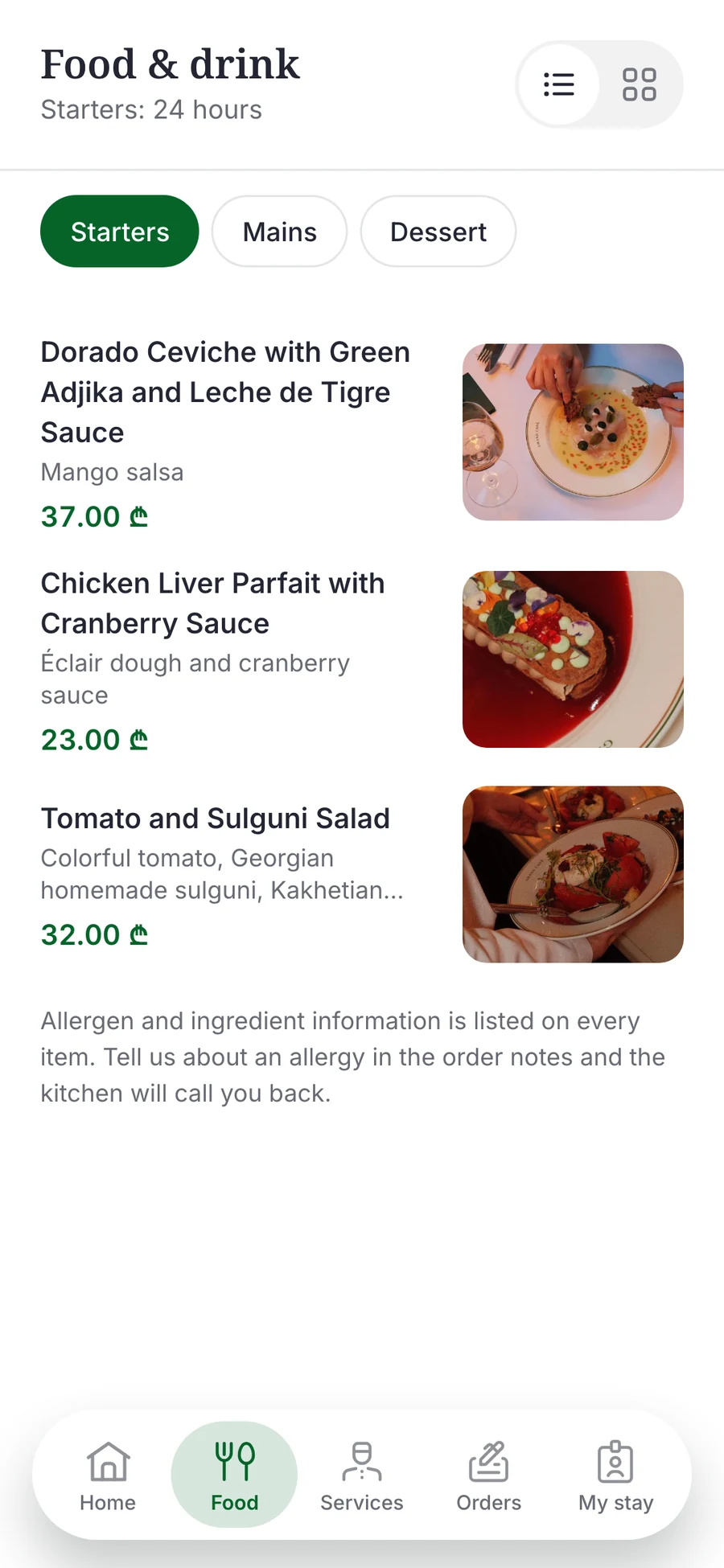
Your menu, with photos and prices in lari.
Guests browse, choose and order to the room. They pay at reception when they check out.
Real screens from the guest app.
- Sections with their own hours
- Photos, diet tags and allergens
- Options and a note to the chef
- Order now or for later
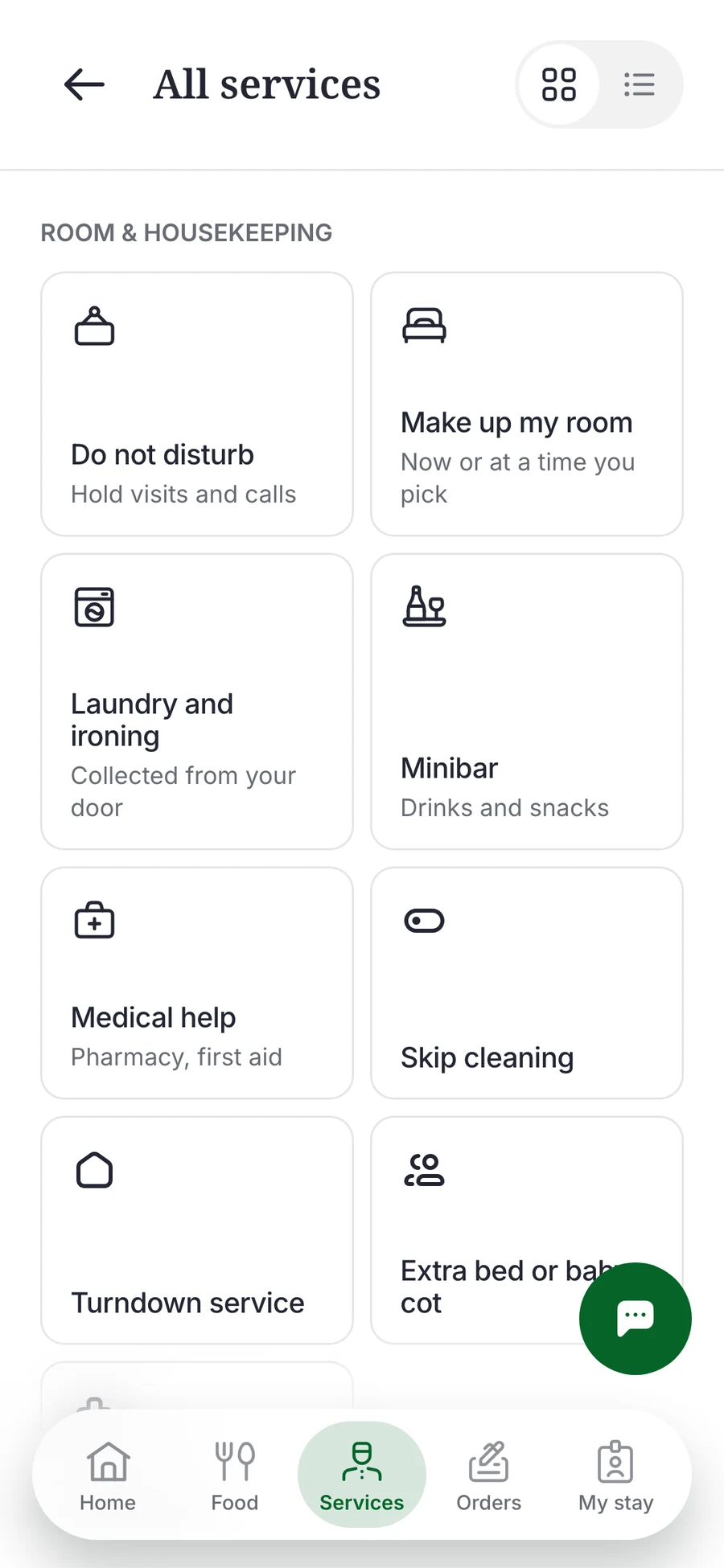
Everything a guest can ask for.
Every hotel starts with a library of 42 services. Switch on what you offer, change the wording and the price, or add your own.
Room & housekeeping10 services
- Do not disturb
- Make up my room
- Skip cleaning
- Request items
- Laundry and ironing
- Turndown service
- Minibar
- Extra bed or baby cot
- Medical help
- Doctor or pharmacy
Food & drink2 services
- Room service
- Book a table
Wellness & leisure4 services
- Spa
- Sunbed or cabana
- Gym & fitness
- Beauty & salon
Front desk & stay14 services
- Wake-up call
- Late check-out
- My bill
- Check out
- Book a conference room
- Luggage pickup
- Early check-in
- Extend my stay
- Room upgrade
- Request a room change
- Key cards
- Lost something
- Print or scan
- Parking
Transport5 services
- Airport transfer
- Taxi
- Tour or activity
- Restaurant in town
- Celebration setup
Room problems2 services
- Report a problem
- Noise complaint
Family & accessibility3 services
- Accessibility assistance
- Babysitting or kids club
- Pet services
Feedback & information2 services
- Rate a service
- Make a complaint
Your front desk works from one screen.
Every request lands in one live queue the moment a guest sends it. Nobody refreshes a page.
- Live
- New requests appear on their own, with a short chime.
- A person confirms every guest
- A first request is marked “Unverified guest” until reception checks the name.
- Nothing waits unnoticed
- Each request has a time to accept. A late one is flagged and escalated.
- Hand it to the right team
- Assign a request to housekeeping, the kitchen or maintenance, or take it yourself.
Also in the console
Rooms
Add a whole floor at once and print a QR sticker for every room.
Menu
Sections with their own hours, photos, allergens and options.
Guests
Check guests in and out, and approve a move to another room.
Messages
Guests write to the front desk, and reception can write first.
Team
Invite staff by link and choose what each role may do.
Reports
Response times and missed deadlines.
Six steps, and your guests can order from their rooms.
Add your rooms
Every room gets its own QR code. Add them one by one or a whole floor at once.
Check your services
Fifteen are on already. Change a name or a price, or switch one off.
Build your menu
Sections, dishes, photos and prices. Skip it if you don't serve food.
Add your Wi-Fi and reception phone
Guests find them under My stay.
Invite your team
Send an invite link. Skip it if it's just you.
Print QR stickers
A4 sheets of 24 labels, 70 × 37 mm. One sticker per room.
Before you start
Do guests need to install an app?
No. The code opens the hotel's page in the phone's browser. There is nothing to install and no account to make.
How do guests pay?
At reception, when they check out. Orders are added to the guest's bill, and the app never asks for a card.
Which languages does it speak?
Georgian, English and Russian. The guest chooses, and you write your menu and services in all three.
How do we know a request is real?
The guest gives a first name and a surname, and reception checks the name before confirming the guest. An ID number is optional, and it is deleted once reception confirms.
What do we need to start?
A computer or tablet with a browser at the front desk, and a printer for the stickers.
Does it replace our booking system?
No. Keycard handles guest requests, room service and the front desk's queue. Bookings stay in the system you use today.
Where is our data kept?
The database runs on servers in Frankfurt, Germany. Each hotel sees only its own data, and photos guests send are deleted 30 days after check-out.